
A checkout that keeps up with a queue
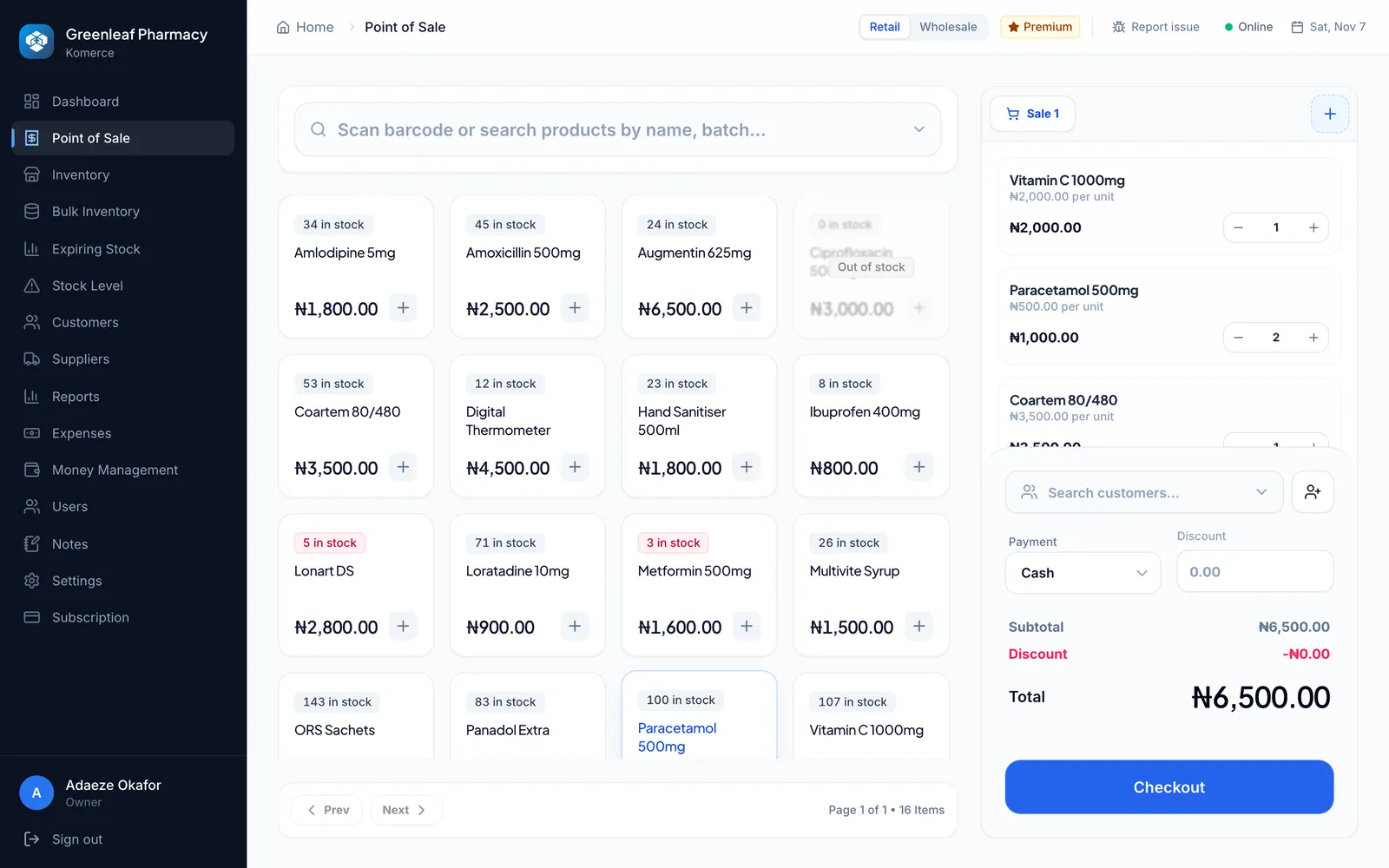
Scan or search, keep several sales open, take cash, card, transfer or a split, and print a receipt.
Sample sale
Made for Nigerian businesses
Komerce handles sales, stock, expenses and reports for pharmacies, supermarkets, restaurants and wholesalers. Use it at the counter, and check on every branch from your phone.
Sample figures
Who it’s for
Pick your kind of business when you sign up, and Komerce shows the tools that matter to it.
For pharmacies and patent medicine stores
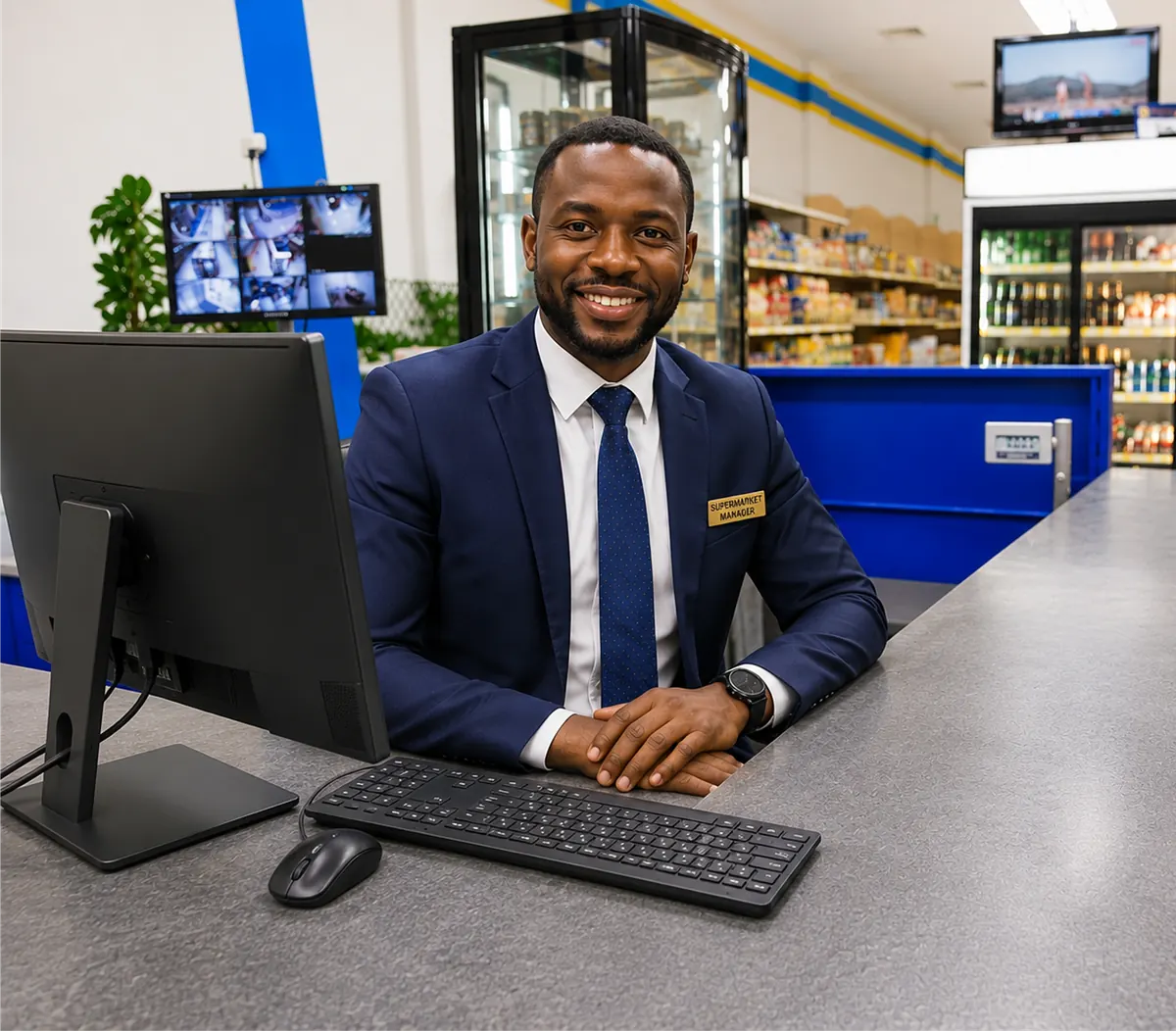
For supermarkets, minimarts and shops
For wholesalers and distributors
For restaurants, eateries and lounges
See it in action
These are real Komerce screens, filled with sample figures.
Scan or search, take any kind of payment, and print the receipt.
Features
Scan or search, keep several sales open, take cash, card, transfer or a split, and print a receipt.
Sample sale
Batches and expiry dates for every item, with a list of what to sell first.
Sales, profit and expenses by day, by staff member and by category.
Each person only sees the screens their job needs.
Expenses, supplier deliveries and customer debts, alongside your sales.
Mobile app
You don’t have to be at the shop to know how it’s doing. The Komerce app shows the same figures as the counter, for every branch you own.
Sample figures
Getting started
Call or message us and tell us about your business.
We create your account and help bring in your stock list.
Your staff sign in and open the till, with our team a call away.
Questions
No. Komerce runs in a web browser on any computer, tablet or laptop. You can use an ordinary receipt printer and barcode scanner if you have them.
Yes. Your plan sets how many stores you can run, and you can move to a bigger plan at any time as you open new branches.
Each kind of business, for example a pharmacy and a supermarket, has its own plan, so each one gets the screens that suit it.
Plans are paid monthly in naira on this website, by card or bank transfer through Paystack.
Your data is kept on secure servers, not on one computer that can break or be stolen. Each staff member signs in with their own account, and only sees what you allow.
Set up takes minutes, and our team is a call or message away if you’d like help.